AI Product Photography: The 2026 Guide to Photo-Real Brand Imagery
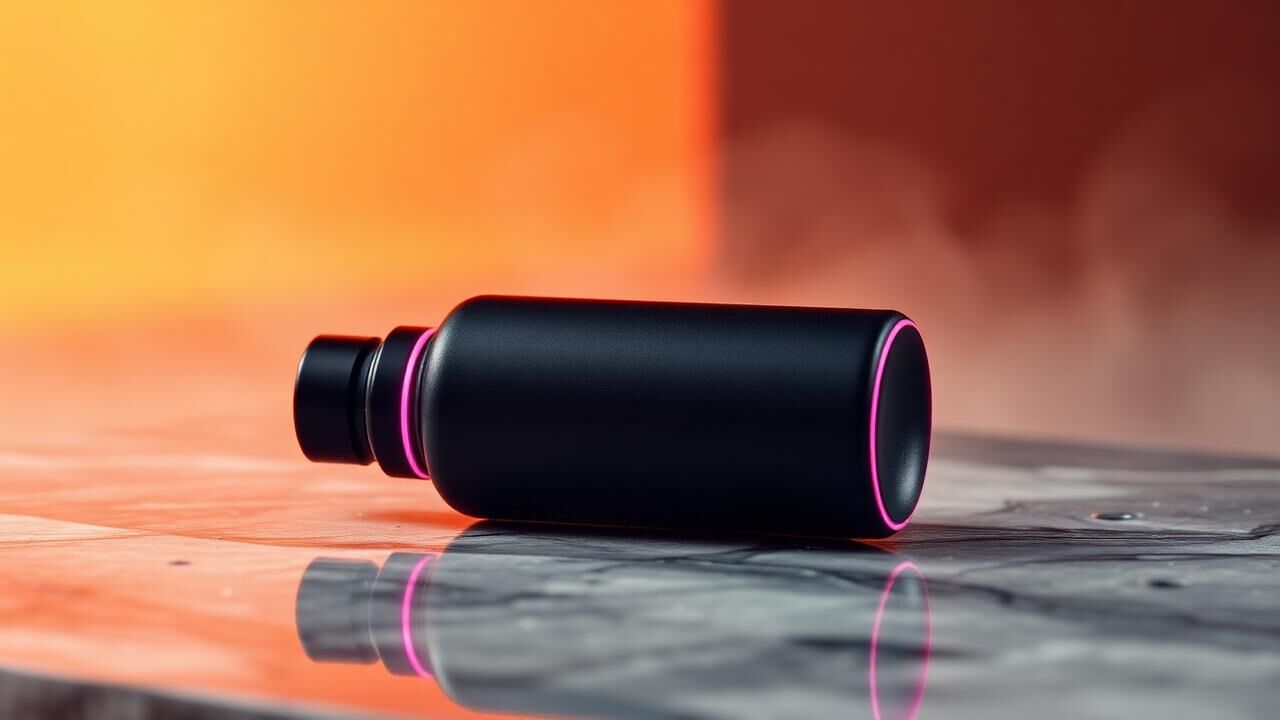
How AI product photography compares to traditional studios on cost, speed, and conversion.
AI product photography in 2026 is no longer the uncanny-valley novelty it was two years ago. The best workflows produce imagery indistinguishable from a high-end studio shoot — at 5–15% of the cost and 20× the speed. For DTC brands burning $8K–25K per quarterly product shoot, the math has changed.
What "AI product photography" actually means now
Three workflows, often combined:
- Pure generation — your product is rendered from scratch in a generated environment. Used for lifestyle scenes, seasonal campaigns, and concept exploration.
- Product transplant — your real product photo is extracted and composited into a generated background. Highest realism; used for hero ads and PDP imagery.
- AI retouching + scene extension — start with a real photo and use AI to extend the background, change lighting, or add props. Closest to traditional retouching but 10× faster.
The right workflow depends on the surface: PDP hero images on Amazon or Shopify usually need workflow 2 or 3. Cold-traffic Meta ads can run pure generation.
Cost and speed compared to a studio
A traditional product shoot for a single SKU with 8 lifestyle variants:
- Studio cost: $4,000–$12,000 (photographer day rate, stylist, props, location, post)
- Timeline: 2–4 weeks from brief to delivered files
- Variants per shoot: 8–15 final images
- Iteration cost: another full shoot if creative direction changes
The same brief with AI product photography:
- Cost: $400–$1,200 (mostly creative direction and post-prompt refinement time)
- Timeline: 2–5 days
- Variants per shoot: 30–80, easily
- Iteration cost: hours, not weeks
For brands testing creative weekly on Meta and TikTok, the iteration cost is the number that changes everything.
Where AI product photography wins
- Performance ads — high variant count beats high polish on cold traffic. AI lets you ship 20+ hooks per concept
- Seasonal refreshes — swap the background from "summer beach" to "holiday cozy" without reshooting
- New product launches before inventory ships — render the product from CAD or a sample to start ads while production runs
- Amazon A+ and storefront imagery — lifestyle modules where every scene needs different context
- Email and SMS hero images — disposable, high-volume creative where studio quality is overkill
Where to still use a real shoot
- PDP main hero on Amazon (Amazon explicitly prohibits AI-only imagery for the main product image)
- Founder portraits and behind-the-scenes — authenticity is the asset; AI undermines it
- Macro detail shots of texture, materials, finish — the human eye still picks up tiny inconsistencies in AI-rendered material
- Anything where you'll be asked to prove provenance — luxury, regulated categories, claim-supporting imagery
A hybrid model usually wins: 1–2 traditional shoots per year for hero and brand assets, AI for everything that supports the testing engine.
Workflow that actually produces brand-consistent imagery
The biggest mistake brands make with AI product photography: treating it like a slot machine. Type a prompt, generate 100 images, hope one works. The result is inconsistent imagery that doesn't look like the brand.
The workflow that works:
- Define a brand photography style guide — color palette, lighting style, composition rules, props, environment
- Create reference image sets for each persona, season, or use case
- Use product transplant, not pure generation, for any image where the product needs to look exactly like the SKU
- Maintain a prompt library keyed to the style guide so output stays consistent across team members
- QA every image at 100% zoom — check shadows, reflections, ground contact, perspective. AI fails most often on physics
Tools we use
- Generation: Midjourney v7, Flux Pro, Imagen 4, Nano Banana
- Transplant + composite: Photoshop generative fill + manual masking for hero work
- Upscaling: Magnific or Topaz for print and large-format applications
- Brand consistency: custom-trained models or LoRAs on the brand's product catalog and existing brand photography
What conversion data shows
Across the DTC brands we run paid media for, AI product photography in cold-traffic Meta ads typically performs within ±5% of studio imagery on CTR and within ±8% on CPA. The gap closes further when the AI imagery is closer to "lifestyle UGC" than "studio polish" — in fact, slightly lower-fi AI imagery often beats studio on TikTok cold traffic by 15–25%.
The takeaway: for performance ads, polish is overrated. Volume of fresh hooks is what wins.
A 30-day pilot
- Week 1: Build the brand photography style guide and reference set
- Week 2: Generate 20 ad variants for one campaign. Run side-by-side with current studio creative
- Week 3: Read results — CTR, CPA, ROAS — and iterate the top performers
- Week 4: Calculate cost-per-final-asset across both workflows. Build a 90-day creative calendar around AI as the production engine
AI product photography isn't a replacement for craft. It's a multiplier on it. The brands that win are the ones who treat AI as the engine and human direction as the brand layer.